

Describe what you want. vault56 AI Studio builds it, shows it to you live, and puts it on the web, your phone and your desktop.
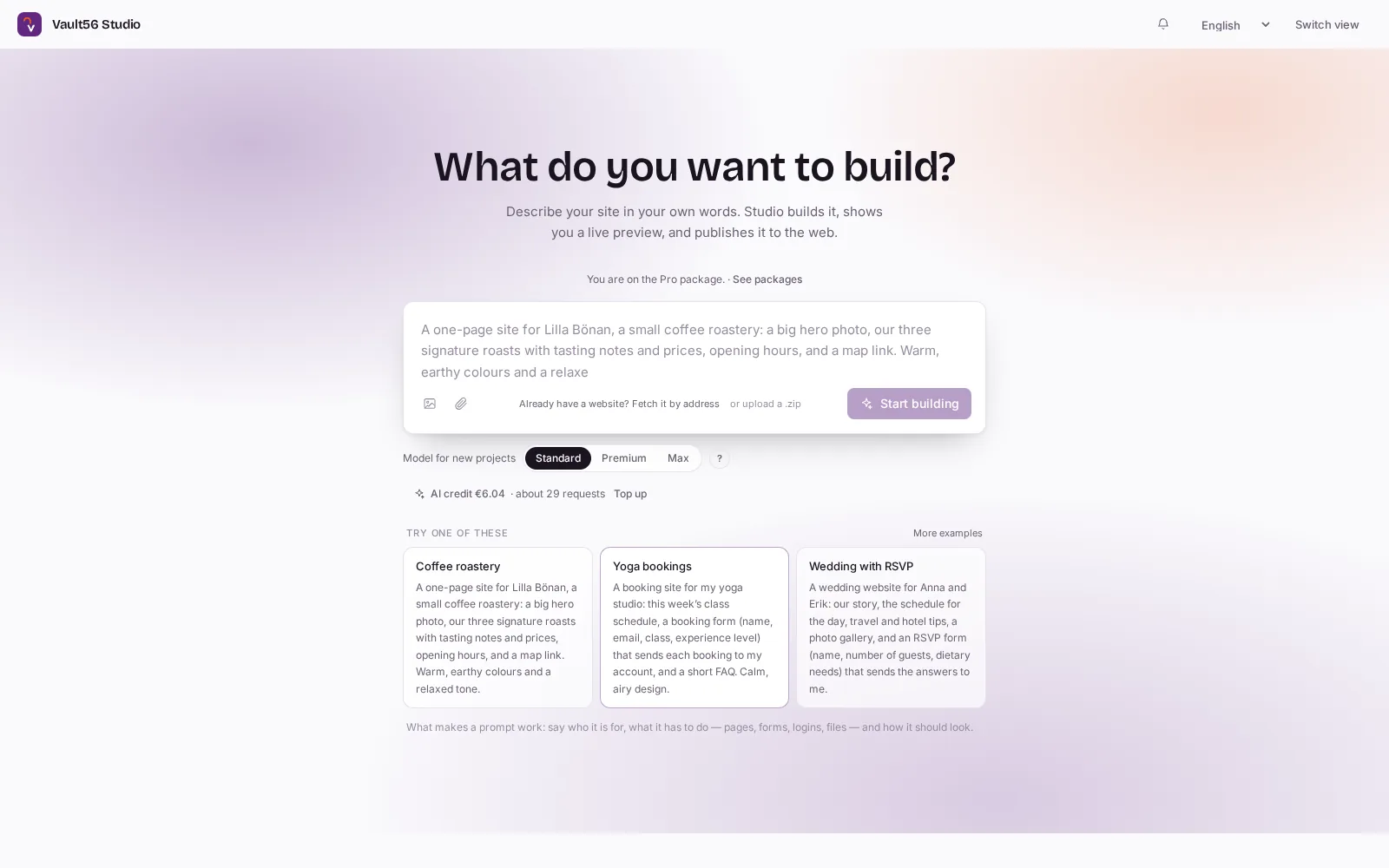
AI Studio turns a description in plain language into a finished website or a working application, with sign-ins, data, server logic and payments already in place. You watch it being built in a live preview, change anything by asking, and publish to your own address in one click. It installs like an app on phones and computers, and Studio can prepare it for Google Play, the App Store and the Microsoft Store. No code, no servers to run, and you pay as you go.
Business apps built in AI Studio
Every app below was built in vault56 AI Studio and runs on vault56, with real sign-ins, data and server rules, on a computer or a phone. Point at one to see it running.
-
3D parametric CADSketch, extrude, cut and fillet real solid parts in the browser, with every step in a feature tree. Opens and saves STEP, IGES and STL, and measures volume and mass.
-
2D CAD for technical drawingsLines, arcs, dimensions and hatching with object snaps and typed coordinates. Opens and saves DXF, exports PDF, and works with a mouse, a pen or a finger.
-
3D kitchen plannerPlan a kitchen on a floor plan and in 3D: drag cabinets into place, change fronts, handles and worktops, and watch the price update as you go.
-
Café order-ahead with a kitchen displayCustomers order from the menu and pick a pickup slot. Slots fill up as the kitchen does, and staff follow every order live on a kitchen display.
-
Hotel front desk and room serviceRoom-service orders move from placed to the kitchen to delivered, next to arrivals and housekeeping. Guests order and book from their own app.
-
Field service dispatchDrag jobs onto technicians and times. On their phones they work through checklists, log parts and photos, and get the customer to sign.
-
Production planningNew work orders are scheduled into free capacity per work centre, with a three-week plan and a heat map of overbooked days.
-
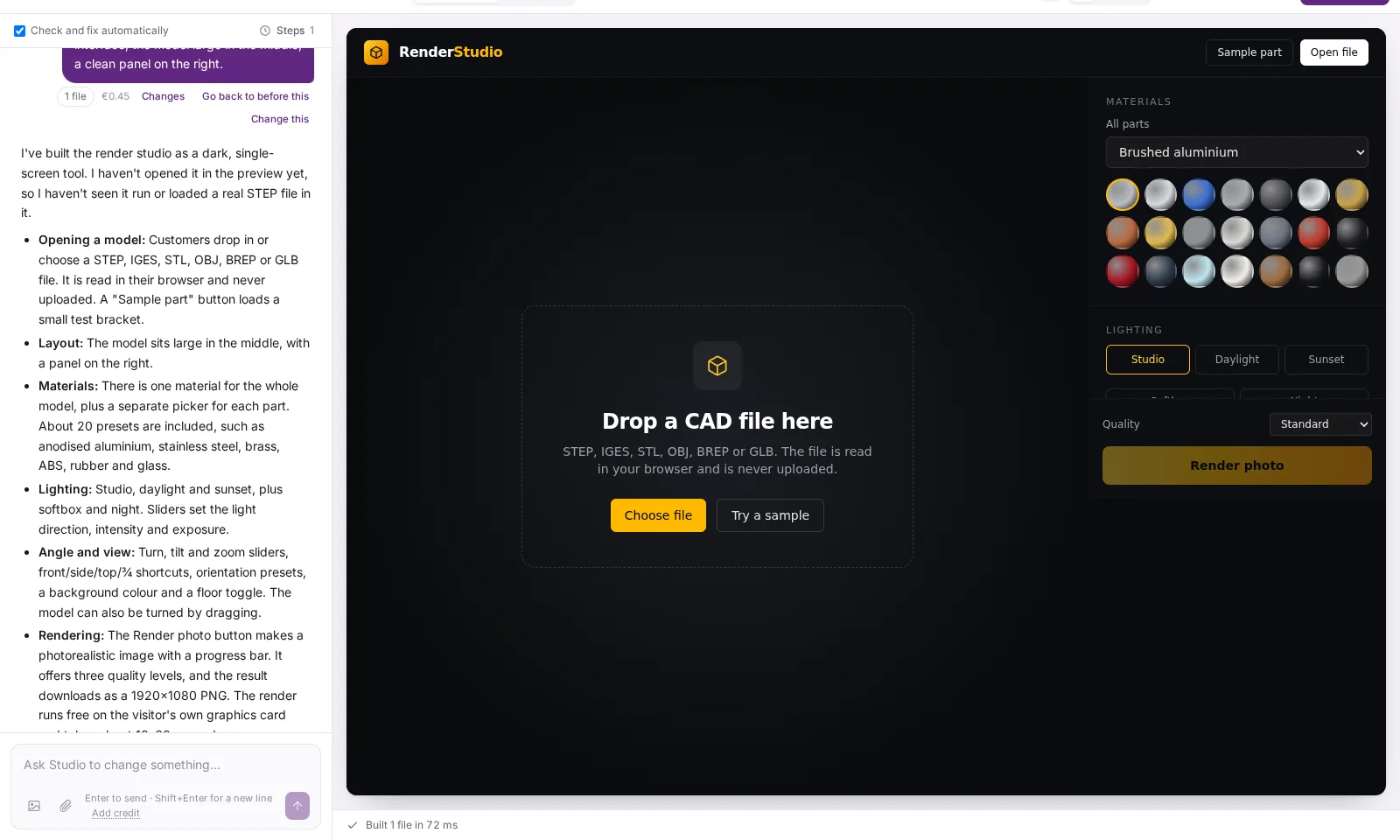
Sales pipeline CRMDrag deals through the pipeline and watch open, weighted and won totals and the forecast follow, with a timeline on every deal.
-
Helpdesk with live SLAsA support queue sorted by live countdowns to each deadline, with public replies and internal notes in one thread, and a portal where customers follow their own requests.
-
Quotes and invoicesInvoices built line by line with VAT per line and live totals, payments, credit notes and overdue tracking, and a printable A4 invoice with a payment reference.
-
Staff shift rotaDrag shifts onto the week, see hours and labour cost, publish the rota and approve swaps. The server refuses overlaps and too many hours.
What AI Studio does
For anyone with an idea for a website, a business app or a game, whether you write code or not. Developers can take over the code at any time.
From a paragraph to a product
Every example on this page was built by Studio from the request you can see.
Build by describing
Write what you want in your own words, in any language. Studio builds the first version and shows it live.
Change anything by asking
“Make the header darker”, “add a booking form”, “show the totals per month”: each request is carried out while you watch.
Point at what you mean
Click an element in the preview and ask Studio to change exactly that.
Paste a picture or a file
Screenshots, sketches and documents can go straight into the conversation.
Every request is a step
Go back to before any change with one click, or redo it differently.
Three AI models
Standard for everyday changes, Premium and Max for ambitious builds. Studio suggests a stronger one when a request needs it.
Real apps, not mock-ups
Sign-ins, data and server logic are included. Nothing to set up.
Sign-ins for your users
Invitations, roles, groups and access per page.
Real data
Collections with relations, lists, filters, charts and dashboards.
Server logic
Functions that run on the platform, scheduled jobs and automations.
E-mail, push and live updates
Notify people, and let several people see changes as they happen.
Shop with card payments
Sell from your site without another provider.
An AI assistant on your site
It answers visitors from your own content and hands over to a person when needed.
Offline and installable
Apps work without a connection and install like an app on phones and computers.
Connects to your ERP
Show and sync data from your business system.
Games and 3D, in the browser
Games with real servers
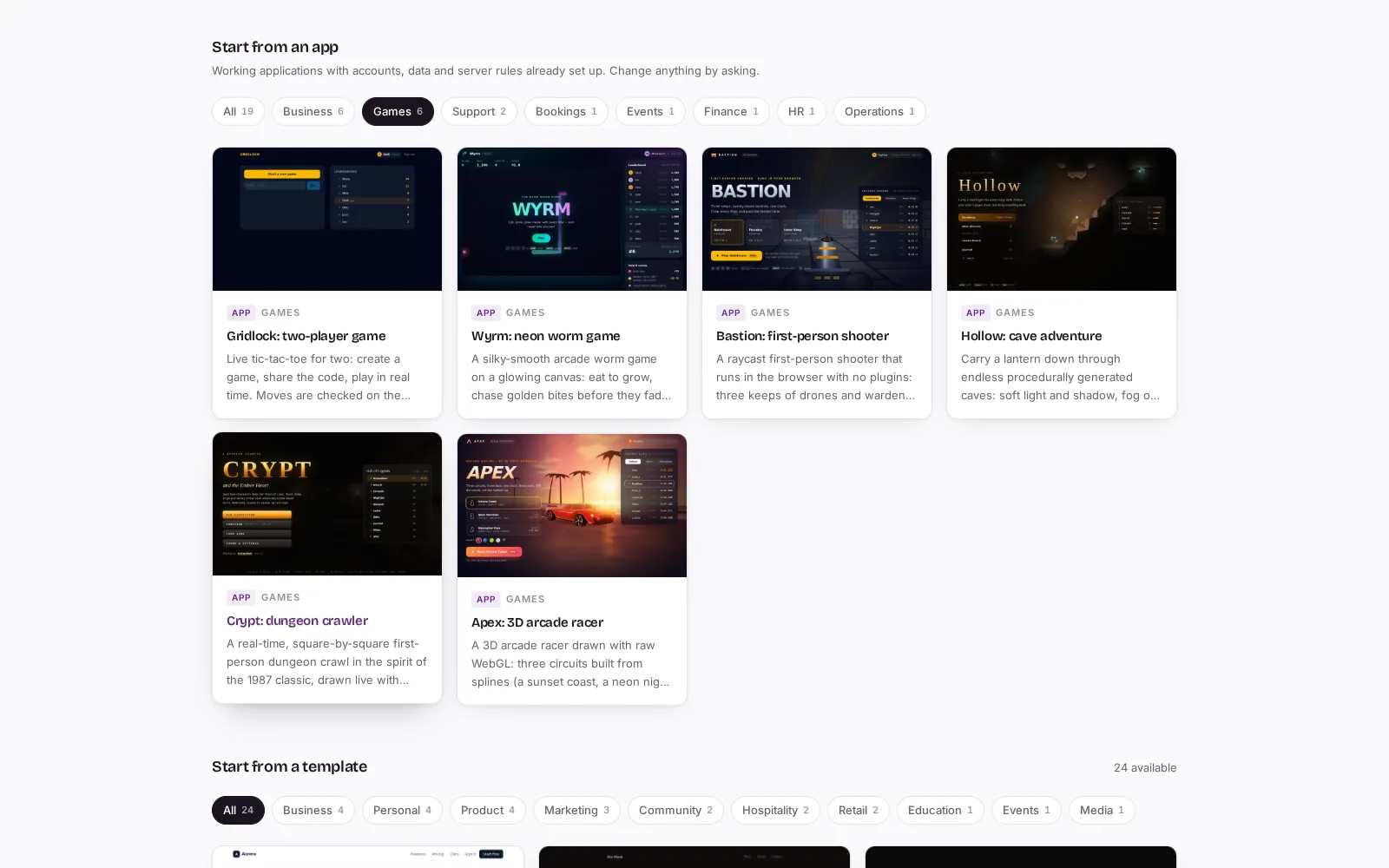
Player sign-ins and leaderboards that the server checks, like the Apex racer.
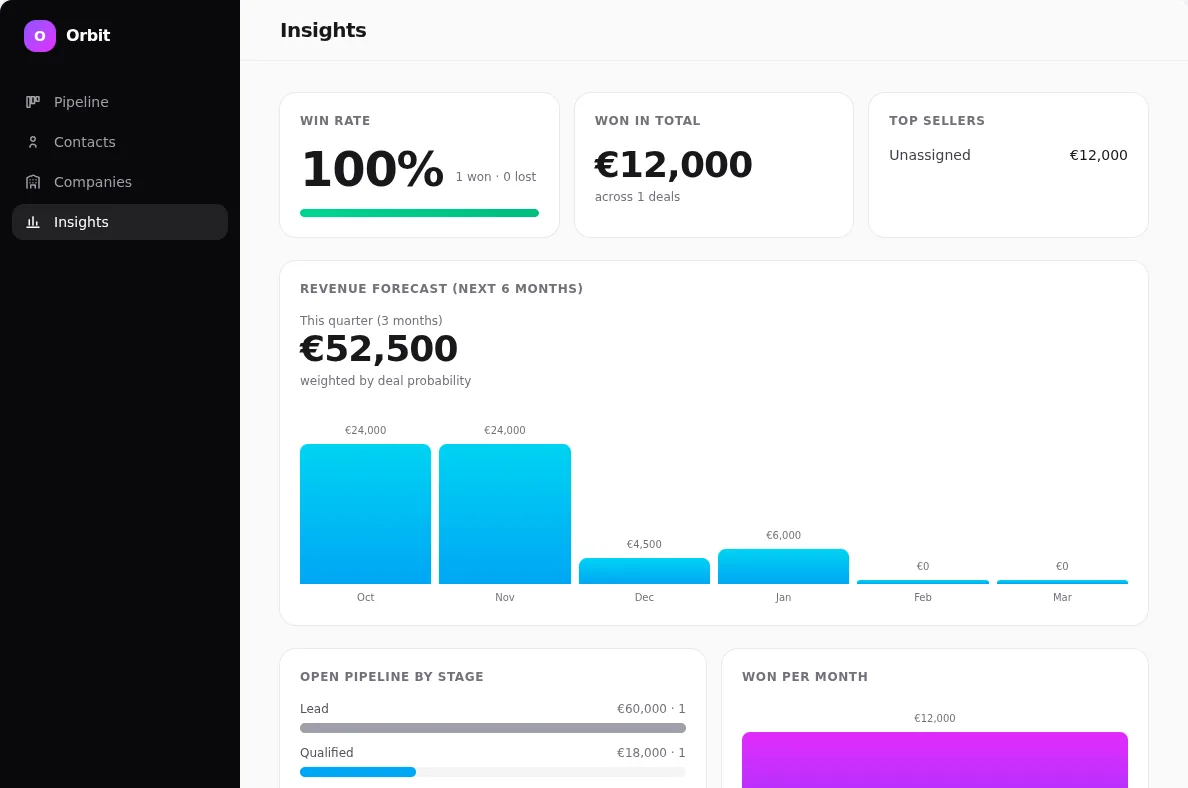
Open CAD files in the browser
STEP, IGES, BREP, STL, OBJ and GLB, read on the visitor's own computer and never uploaded.
Materials and lighting
Aluminium, steel, brass, plastics, glass and car paint per part, in studio, daylight or sunset light.
Photorealistic renders
One click makes a photo-quality image of the model on the visitor's own graphics card.

On phones and in the app stores
Everything you build works on a computer and a phone. Take it further and put it in the app stores.
Installs like an app
Every app works on phones and tablets, installs on the home screen and keeps working offline.
Google Play
Studio prepares a ready-to-build Android project together with the upload key it is signed with.
Apple App Store
Studio prepares an Xcode project with the icons, launch screen and links already set up.
Microsoft Store
Studio gives you the tiles, logo and exact details Microsoft's packager needs for a Windows app.
Your accounts, your apps
You publish under your own developer accounts, so the apps and their listings are yours. App store publishing is part of the Pro package.
Start fast, publish, grow
Start from a template
More than 40 working websites, business apps and games you can change.
Bring your existing website
Give Studio its address, or upload a zip, and keep building from there.
Publish in one click
To your own name.vault56.app address, or connect your own domain.
Share a draft
A private link where people without an account can vote and comment.
Build as a team
Invite editors and viewers, and let an organisation share one AI budget with limits per person.
Sell it as an app
Publish on the vault56 Marketplace as a subscription app, where every customer gets their own data.
Runs on vault56
Everything AI Studio builds runs on the vault56 platform: sign-ins, data, files, e-mail, functions and payments come from the same services developers use through the REST API, so a project can grow without moving anywhere. Published sites are hosted on vault56 in the EU, and AI is paid as you go from your account.
- Data and APIs (used)
- Accounts and sign-in (used)
- File storage (used)
- Email (used)
- Realtime and push (used)
- Workflows and automation (used)
- Functions (used)
- AI (used)
- Agents and devices
- Signed updates
- Marketplace and billing (used)
Get started with AI Studio
Every product runs on the same account. Start free and add what you need.